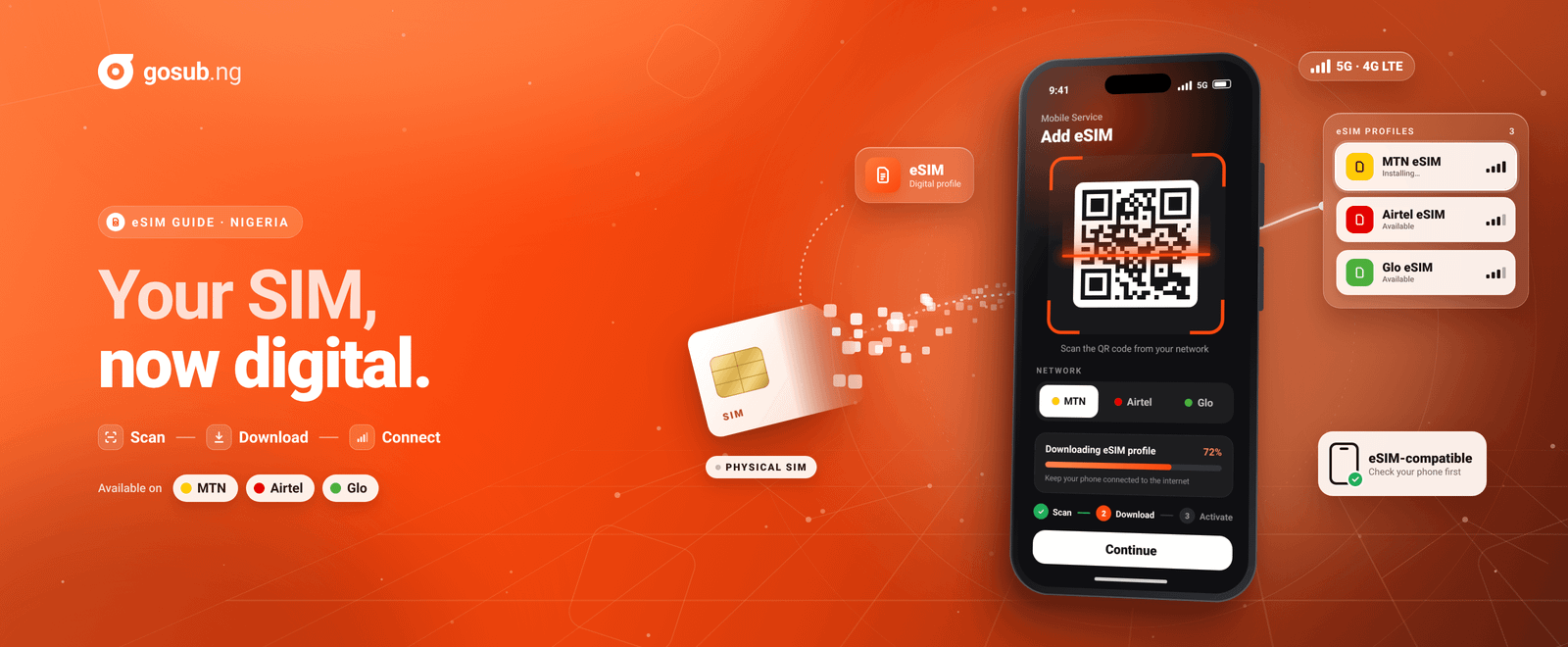
How to Get an eSIM in Nigeria: MTN eSIM, Airtel eSIM and eSIM-Compatible Phones
Last updated: 7 November 2026
Picture this: you buy a new phone, and as you set it up, you notice there's an option to “Add eSIM.” Or maybe you've dropped your SIM in the toilet, lost it at a bus stop, or watched your SIM tray snap in half.
An eSIM could make all of that a thing of the past. But before you walk into a network shop with high hopes, you need to know three things: whether your phone supports eSIM, what you need to carry, and how the process works on your network.
This guide covers all three.
Quick Answer
- MTN eSIM: registration and activation are free, but you will pay for the SIM card. Visit an MTN store with your phone and your NIN. An agent gives you a QR code to scan.
- Airtel eSIM: registration and activation are free, but you will pay for the SIM card. Visit an Airtel Service Centre with your NIN, complete a SIM swap or upgrade, and scan the QR code you're given.
- Glo eSIM: registration is free, but you will pay for the SIM card, and you might need to buy airtime or data. Visit a Glo outlet with your NIN.
- iPhone: just dial *#06#. If you have an EID number, your phone supports eSIM.
- Your device must have an EID number on every network. Dial *#06#. If an EID number shows up, your device is compatible.
- You need your NIN on every network.
- You can't get a local eSIM fully online. Every network requires you to visit their outlet.
What Is an eSIM?
An eSIM (embedded SIM) is a SIM that is built into your device. Instead of inserting a plastic card, you download a digital SIM profile, usually by scanning a QR code.
It works like a normal SIM once active. You can call, text, browse, check your balance, buy data, and use your network's app.
Some terms you’ll come across:
- EID: the unique identification number (electronic SIM ID) of the eSIM chip in your device. If your device has one, it supports eSIM.
- QR code: the code the agent gives you, which you scan to download your eSIM profile.
- SIM swap or SIM upgrade: moving your existing number from a physical SIM to an eSIM.
- Dual SIM: using two lines on one phone, for example a physical SIM plus an eSIM, or two eSIMs on some models.
Step 1: Check Whether Your Device Supports eSIM
Not every phone does, and some versions of a supported model don't.
The 10-second test: open your phone's dialler and type *#06#. If you see a number labelled EID, your device supports eSIM. No EID means it doesn't.
Every network (MTN, Airtel and Glo) requires you to have an EID number, because this number determines whether your phone is compatible.
Phones that commonly support eSIM
iPhone
- Just dial *#06#. If you have an EID number, your phone supports eSIM.
Samsung Galaxy
- Galaxy S20 series and newer
- Galaxy Note 20 series
- Galaxy Z Fold and Z Flip models
- Some Galaxy A-series models, such as the A54 and A55, depending on the regional version
Google Pixel
- Pixel 3 and newer, including the “a” models
Other brands
- Selected models from Xiaomi, OPPO, OnePlus, Motorola, Honour, Sony and others. The list changes often, so test with *#06#.
Routers
Routers can be eSIM-compatible too. MTN and Airtel both support eSIM on compatible routers. Glo routers, unlike MTN and Airtel, do not have eSIM options.
Before you rely on any list
- Region matters. Phones sold in some markets, such as mainland China, may have the eSIM feature removed. This is the usual reason a phone that “should” support eSIM doesn't.
- Your phone must be network-unlocked. A carrier-locked phone from another country may refuse a Nigerian eSIM.
- Used or imported phones need a check. Don't assume. Dial *#06# before you pay.
- Budget options exist. Some Galaxy A-series phones and the Pixel “a” models support eSIM.
Step 2: What to Carry
Take these to the network outlet:
- Your eSIM-compatible device, charged
- Your NIN. You need it on every network. Nigerian law requires NIN-linked registration for local lines, and eSIMs are no exception.
- Your phone number, if you're moving an existing line
- Money for the SIM card. Registration is free, but you will pay for the SIM card.
- Information about your last recharge may be requested for SIM swaps, as an identity check
How to Get MTN eSIM
Registration and activation are free, but you will pay for the SIM card.
- Check compatibility. Dial *#06# to confirm your device has an EID. iPhones, Samsung phones, Google Pixel phones and compatible routers all work.
- Visit an MTN store. Use MTN's store locator to find one near you.
- Say what you need. Ask for “eSIM activation” if you want a new eSIM line, or a “SIM swap to eSIM” if you want to move an existing number.
- Verify your identity. Present your NIN and complete the usual SIM registration.
- Collect your QR code. MTN gives you a slip with a QR code that carries the SIM serial and PUK. This is your “eSIM pack.”
- Connect to Wi-Fi. You need a wireless network to download the profile.
- Scan the QR code on your device.
- Confirm it's active. Your phone will show the eSIM as active, and its network name and signal will appear.
Menu names vary by phone model and software version, so follow the on-screen prompts if yours differ.
MTN eSIM good-to-knows
- Switching from a physical SIM: this is a SIM swap, handled by a customer care agent.
- Moving to a new phone: MTN says you can switch the eSIM profile between phones. Connect the old phone to Wi-Fi, remove the data plan on it, switch it off, then connect the new phone to Wi-Fi and scan the profile.
- Lost your QR code: you can retrieve it from any MTN store with your NIN and the associated number.
- Lost your phone: call 300 or visit an MTN store to block the line, then do a SIM swap on another device.
- Going back to a physical SIM: a store visit gets you a SIM swap to a physical card.
How to Get Airtel eSIM
Registration and activation are free, but you will pay for the SIM card.
- Check compatibility. Dial *#06# to get your EID, your electronic SIM ID. Compatible routers work too.
- Visit an Airtel Service Centre. Use Airtel's store locator to find the nearest one, and go with your NIN.
- Tell the agent what you want. If you already have an Airtel line, ask for a SIM upgrade or swap to eSIM.
- Get your QR code. Airtel's customer care agent gives it to you after the SIM swap.
- Connect to Wi-Fi and scan the QR code.
- Label your eSIM (for example “Airtel Data”) and confirm.
What if you don't have an Airtel line yet?
Airtel says you should buy and register a physical SIM first, then upgrade it to an eSIM. If you're moving from another network, port your number to Airtel first, then upgrade the SIM to an eSIM.
Airtel eSIM good-to-knows
- The QR code is single-use. If you lose it, visit the nearest Airtel Service Centre.
- Lost your phone: call 300 or visit an Airtel showroom to block the line, then do a SIM swap with another device and your NIN.
- Going back to a physical SIM: visit an Airtel showroom for a SIM swap.
How to Get Glo eSIM
- *Dial #06# to get your EID number. If you have one, your phone supports eSIM.
- Go to a Gloworld shop or Glo dealer outlet with your NIN.
- Complete your registration and migration. Registration is free, but you will pay for the SIM card, and you might need to buy airtime or data.
Routers: unlike MTN and Airtel, Glo routers do not have eSIM options.
MTN vs Airtel vs Glo eSIM at a Glance
| MTN eSIM | Airtel eSIM | Glo eSIM | |
|---|---|---|---|
| Registration/activation | Free | Free | Free |
| SIM card | You pay for it | You pay for it | You pay for it |
| EID number required | Yes (*#06#) | Yes (*#06#) | Yes (*#06#) |
| Bring your NIN | Yes | Yes | Yes |
| Where to get it | MTN store | Airtel Service Centre | Gloworld shop or Glo outlet |
| Online activation? | No | No | No |
| Router eSIM | Yes | Yes | No |
| What you receive | QR code slip (SIM serial and PUK) | QR code after SIM swap | Migration at outlet |
| New line on an eSIM phone | Walk in and request eSIM activation | Buy a physical SIM, register it, then upgrade | Visit an outlet with your NIN |
| From a physical SIM | SIM swap | SIM upgrade or swap | Migrate at outlet |
| Wi-Fi needed to download profile | Yes | Yes | Confirm at outlet |
| Lost phone | Call 300 or visit a store | Call 300 or visit a showroom | Visit an outlet |
eSIM vs Travel eSIM: Don't Mix Them Up
You may see apps and websites selling “Nigeria eSIMs” online with instant delivery. These are usually travel eSIMs. They're data-only, typically come with no Nigerian phone number, and connect to local networks as roaming partners.
A local eSIM from MTN, Airtel or Glo is different. It carries your actual number, so you can make calls, send SMS and receive OTPs, and it requires registration with your NIN.
If you want to keep or get a Nigerian number, you want the local one.
Pros and Cons of eSIM
Pros
- No physical SIM to lose, damage or have stolen
- Easy dual-SIM setups, for example one eSIM for data and a physical SIM for calls
- No SIM tray to replace on a broken phone
- Good for people who travel or manage multiple lines
Things to consider
- Activation requires a visit to your network's outlet
- You will pay for the SIM card, even though registration is free
- Moving to a new phone usually needs network involvement
- If your phone is dead or damaged, you can't just slot the SIM into another phone
- You need Wi-Fi to download the profile
- Not all phones support it
What NOT to Do
- Don't buy a phone just because it “looks new.” Check *#06# first.
- Don't share your QR code. Anyone who scans it first may take over the profile.
- Don't delete your eSIM profile before you've moved your number. Removing it can leave you without a line until you get a new QR code.
- Don't trust strangers offering to “activate” your eSIM online or on WhatsApp. Go to an official outlet.
- Don't hand over your OTP, PIN or NIN to anyone claiming to be from your network.
Troubleshooting: My eSIM Won't Download or Activate
- Confirm your phone is connected to strong Wi-Fi. MTN notes that a wireless connection is required.
- Check that the profile hasn't already been installed.
- Make sure the eSIM is turned on in your SIM settings, either as primary or secondary.
- Restart your phone.
- If it still fails, return to the outlet. QR codes can be single-use, so you may need a new one.
After You Activate: Don't Forget to Top Up
An active eSIM still needs credit to be useful. Once your line is working, you can buy airtime and data on Gosub.ng, which supports MTN, Airtel and Glo, including on your new eSIM line.
The Takeaway
Getting an eSIM in Nigeria is simple once you know the steps: check your device with *#06#, take your phone and your NIN to your network's outlet, collect your QR code, and scan it on Wi-Fi. Registration and activation are free on MTN, Airtel and Glo, but you will pay for the SIM card.
The one catch is that you can't do it all from your sofa. Plan an outlet visit, and plan one again if you change phones.
Frequently Asked Questions (FAQs)
How can I check if my phone supports eSIM?
Can I get a local MTN, Airtel or Glo eSIM fully online?
How much does a Nigerian eSIM cost?
What should I take to an eSIM outlet?
What is the difference between a local eSIM and a travel eSIM?
What should I do if my eSIM will not download or activate?


Author: Osato Obazee
Customer Service Representative
