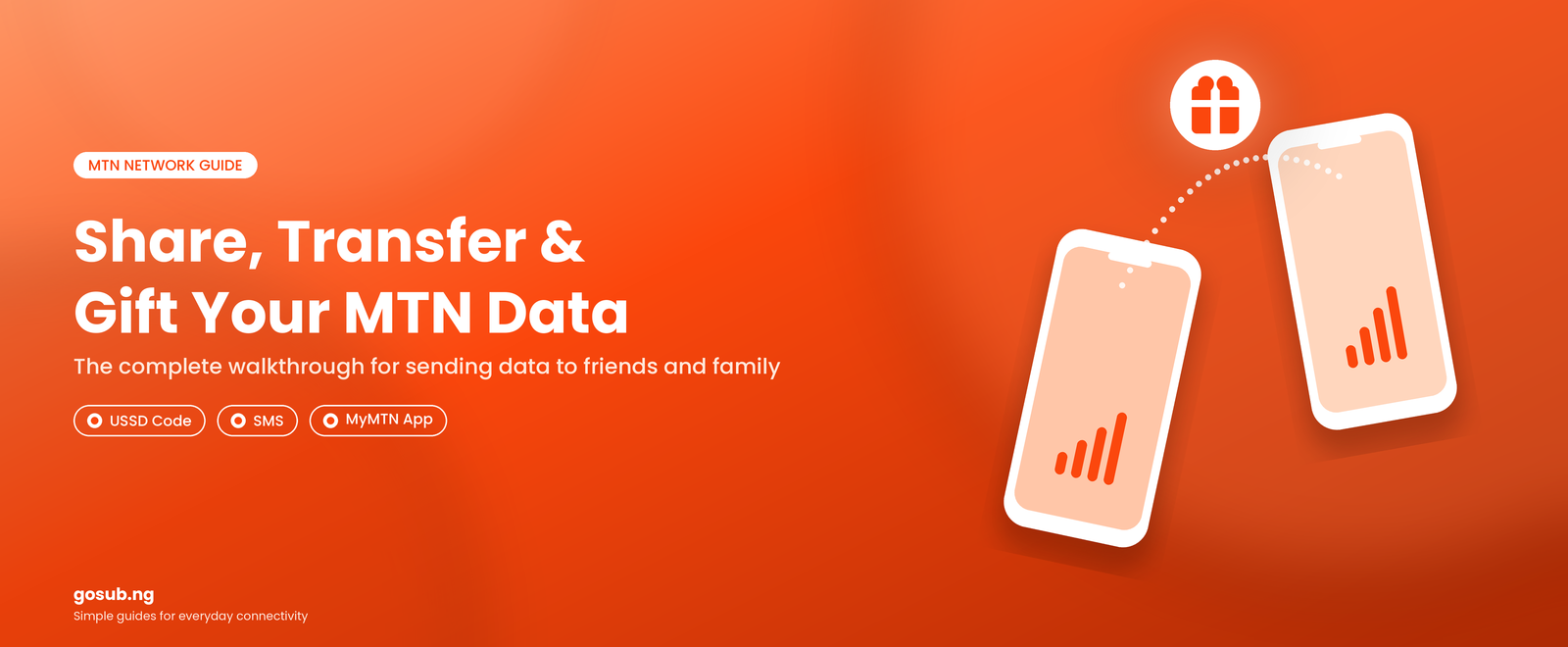
MTN Data Share Transfer: How It Works and What You Need to Know
Last updated: 18th September 2026
Mobile data has become an important part of everyday life in Nigeria. From social media and online learning to business, communication, streaming and remote work, having sufficient data is essential for staying connected. As a result, telecom providers have introduced different ways for customers to purchase, share and gift data to other users.
For MTN customers, one of these services is MTN Data Sharing / Gifting, which allows users to transfer data from an active data balance, purchase a data bundle for another person, or request data from a friend or family member. Understanding how these options work can help customers make better decisions about their data and avoid confusion when transferring or receiving bundles.
Quick Answer
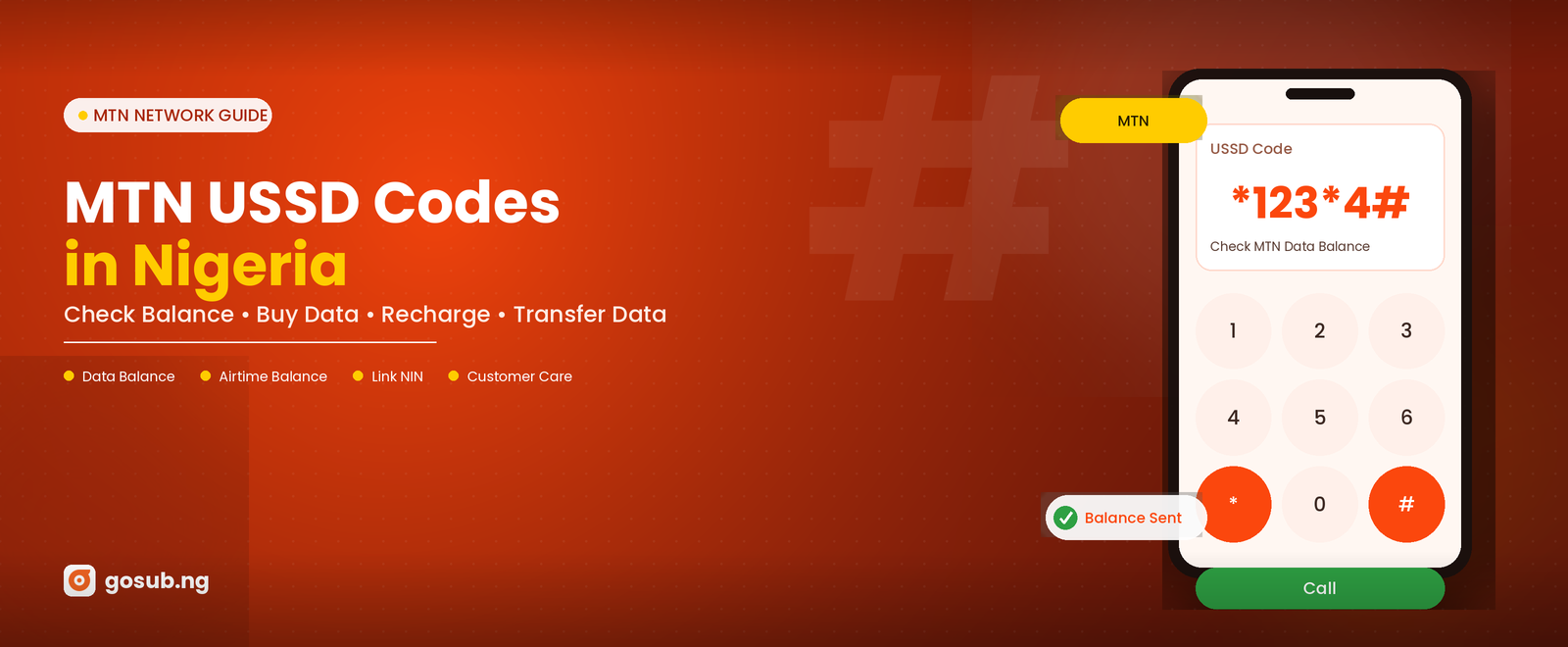
To transfer eligible MTN data, dial *312*Phone Number*Data Amount#. Customers can transfer between 100MB and 5GB at a time, subject to the eligible bundle rules, a 5GB daily limit and the monthly free-transfer limit.
What Is MTN Data Share or Transfer?
MTN data share or transfer allows a customer to send part of an eligible active data balance to another MTN customer. Rather than purchasing a completely new bundle, the sender uses a portion of the data already available on their line.
Customers can currently transfer a minimum of 100MB and a maximum of 5GB at a time. However, the sender must have at least 100MB remaining in the relevant data balance after the transfer for the transaction to be successful. MTN also limits the total amount that can be transferred from a customer's balance to 5GB per day.
There are several ways to initiate a transfer. Customers can use two methods to make their transfer
- USSD code -
*312*Phone Number*Data Amount#, - The myMTN app
For example, if you have enough eligible data and want to send 500MB to another MTN number, the recipient's number and the required data amount can be entered through one of MTN's available transfer channels.
Data Share or Transfer vs Data Gifting
Although the terms “data share or transfer” and “data gifting” are sometimes used interchangeably, they are not exactly the same.
Data share or transfer involves moving part of an existing eligible data balance from one customer's line to another. This simply means allocating part of the data already on your SIM to someone else's SIM
Data gifting, on the other hand, allows a customer to purchase a new data bundle for another person. In this case, the sender is not giving away data from an existing balance. Instead, the sender pays for a bundle that is credited to the recipient's line.
MTN allows customers to buy Data Plans and certain Social Bundles for friends and family through its available channels. This can be particularly useful when someone needs data urgently but does not have enough airtime or access to purchase the bundle themselves.
This distinction is also useful for customers purchasing data through digital platforms. Someone who simply wants to provide data for another person may find it easier to purchase the required bundle directly for that person rather than transferring an existing balance.
How to Share or Transfer MTN Data
MTN provides several channels through which customers can share data. One option is to dial:
*312*Recipient's Number*Data Amount#
Customers can also access the relevant options through *321*2#, send a transfer request by SMS to 312, or use the myMTN application.
The process is designed to make data sharing convenient, particularly for people who regularly assist family members, friends or other contacts with their internet needs.
MTN also provides an option to request data from another person. This means a customer who has run out of data can send a request to a friend or family member rather than simply waiting until they are able to purchase another bundle.
How to check balance of Gifted data bundle
To check the data balance of a gifted data bundle, simply dial *323#
Are All MTN Data Bundles Shareable or Transferable?
One of the most important things customers should understand is that not every type of MTN data balance can necessarily be transferred.
MTN Data Bundles That Cannot Be Shared or Transferred
Not all MTN data balances are eligible for sharing or transfer. Customers may have data showing on their line but still be unable to transfer it because of the type of bundle they have.
Some examples of data that cannot generally be shared include:
- Bonus Data: Promotional data received as an extra benefit with certain offers cannot be transferred.
- Borrowed Data: Data obtained through MTN's BorrowMeData service cannot be transferred to another customer.
- Smart Bundle Data: Data from Smart Bundles is not eligible for sharing or gifting.
- XtraValue Value Data: The Value Data component of XtraValue bundles cannot be shared.
- XtraData More: XtraData More balances cannot be transferred.
- Certain Promotional/Customised Bundles: Some special or tariff-specific bundles, such as certain Pulse social bundles and other promotional offers, may also be excluded from data transfer.
It is important to note that not all XtraValue bundles are restricted. For example, MTN states that some XtraData and XtraTalk components can be transferred, while Value Data cannot. Therefore, customers should always identify the exact bundle type before attempting a transfer.
In practical terms, a customer's total data balance is not necessarily the same as their transferable data balance. This distinction can explain why a customer may have several gigabytes available but still receive an unsuccessful transfer message.
Because MTN regularly introduces and modifies data offers, customers should check the current terms for a specific bundle when there is uncertainty about its transfer eligibility.
Share or Transfer Limits and Charges
MTN allows customers to transfer data multiple times in a day, provided the cumulative amount does not exceed 5GB per day. Customers can also make up to 10 free data transfers within a calendar month. After the free transfers have been exhausted, Customers should therefore pay attention not only to the amount of data they want to transfer but also to how frequently they have already used the service during the month.
Once the free transfers have been exhausted, a charge of ₦10 is applied for every 100MB transferred. For example, transferring 500MB would attract a ₦50 charge, while transferring 1GB (1,000MB) would attract approximately ₦100. The applicable charge is deducted from the customer's airtime balance.
There is no additional charge simply for buying a data bundle for another person; the gifter pays the price of the selected data plan with their airtime.
Data Validity After Share or Transfer
Another factor to consider is validity. Transferred data does not necessarily give the recipient a completely new validity period. MTN explains that the expiry date of shared or transferred data can depend on the original bundle from which the data was shared or transferred.
For example, if a customer has a bundle with a particular expiry date and transfers part of it to another person, the recipient's transferred data can carry the applicable expiry date rather than starting an entirely new validity period.
Customers should therefore check their data balance and validity regularly, especially when they receive data from someone else.
Transferred data also differs from some gifted bundles in terms of rollover. MTN states that unused data transferred to a customer does not roll over, while certain main data bundles purchased for a customer may qualify for rollover if the applicable conditions are met.
Why Data Sharing Is Useful
Data sharing can be particularly useful in households and among people who regularly support one another. A parent can send data to a child, friends can assist one another when someone runs out of data, and individuals can provide internet access to relatives without requiring the recipient to purchase a bundle immediately.
For people who rely heavily on mobile internet, having multiple ways to obtain data also provides flexibility. Customers can purchase a bundle for themselves, transfer eligible data from an existing balance, or have someone else purchase or transfer data to them.
Digital platforms that facilitate convenient data purchases also form part of this wider ecosystem, allowing customers to obtain data without necessarily going through the traditional process of purchasing directly from their network provider.
Why MTN Data Transfer Can Be Unsuccessful
An MTN data transfer may fail for several reasons. Understanding these conditions is important because having data on a line does not necessarily mean that the data is available for transfer.
Common reasons include:
- Insufficient remaining balance: The customer must have at least 100MB remaining in the eligible data balance after the transfer. For example, if a customer has 500MB, they cannot transfer the entire 500MB; at least 100MB must remain.
- Insufficient eligible data: Data from different active bundles cannot simply be combined for a transfer. The particular bundle being transferred from must have enough eligible data.
- Ineligible data bundle: Bonus data, Smart Bundle data, XtraData More and certain promotional or customised bundles cannot be transferred.
- Daily transfer limit reached: Customers can transfer a maximum cumulative amount of 5GB per day from their data balance.
- Monthly free-transfer limit exceeded: After the first 10 free transfers in a calendar month, a transfer fee applies. The customer must accept the applicable charge before the transfer can proceed.
- Transfer amount not supported: MTN currently allows transfers of 100MB, 200MB, 500MB, 1GB, 2GB, 3GB and 5GB.
- Restricted bundle balance: Where a customer has multiple data bundles, MTN does not combine the balances to facilitate a transfer. The transfer must come from a qualifying bundle with sufficient balance.
- Network or system issues: Temporary network or system problems can also interfere with transactions.
Therefore, when a customer reports that a data transfer was unsuccessful, it is useful to first check the available eligible balance, amount being transferred, remaining balance after the transfer, bundle type, daily limit and number of transfers already made during the month.
Understanding Data Services as a Customer
With the increasing number of ways to purchase and share data, understanding the difference between network services has become increasingly important. A customer purchasing a data bundle through a reliable digital service such as Gosub.ng may subsequently use MTN's own features to manage or share that data, depending on the type of bundle purchased and the network's applicable rules.
This is why it is useful to distinguish between purchasing data, sharing or transferring an existing balance and gifting a new bundle. Each process serves a different purpose, even though customers may simply refer to all of them as “sending data.”
For anyone who depends on mobile data for work, business, education or communication, knowing these differences can make managing data easier and help prevent misunderstandings when a transfer or sharing attempt does not work as expected
Frequently Asked Questions (FAQs)
Quick answers to common MTN data transfer and gifting questions.
Conclusion
MTN Data Share and Gifting provides customers with several convenient ways to keep themselves and others connected. Users can transfer eligible data from an existing balance, purchase a new bundle for a friend or family member, request data from another person, and in some cases automate transfers to selected beneficiaries.
However, customers should remember that data transfer is subject to specific rules. Not every bundle is transferable, transfers are limited to 5GB per day, only 10 transfers are free each month, and transferred data may have specific validity and rollover conditions.
Understanding these details makes it easier for customers to manage their data effectively and choose the most appropriate option when they need to stay connected. As mobile data continues to play a central role in everyday life, services that make data purchasing, management and sharing more convenient will remain an important part of Nigeria's growing digital economy.
Need a new MTN data bundle?
Compare available data plans on Gosub.ng and confirm the current price and validity before paying.


Author: Naomi Igbinosa
Customer Service Representative
